Services

WordPress Development

We engineer WordPress products your marketing team can publish — custom themes and plugins, modern frontends, and the integrations and release discipline to keep them fast.

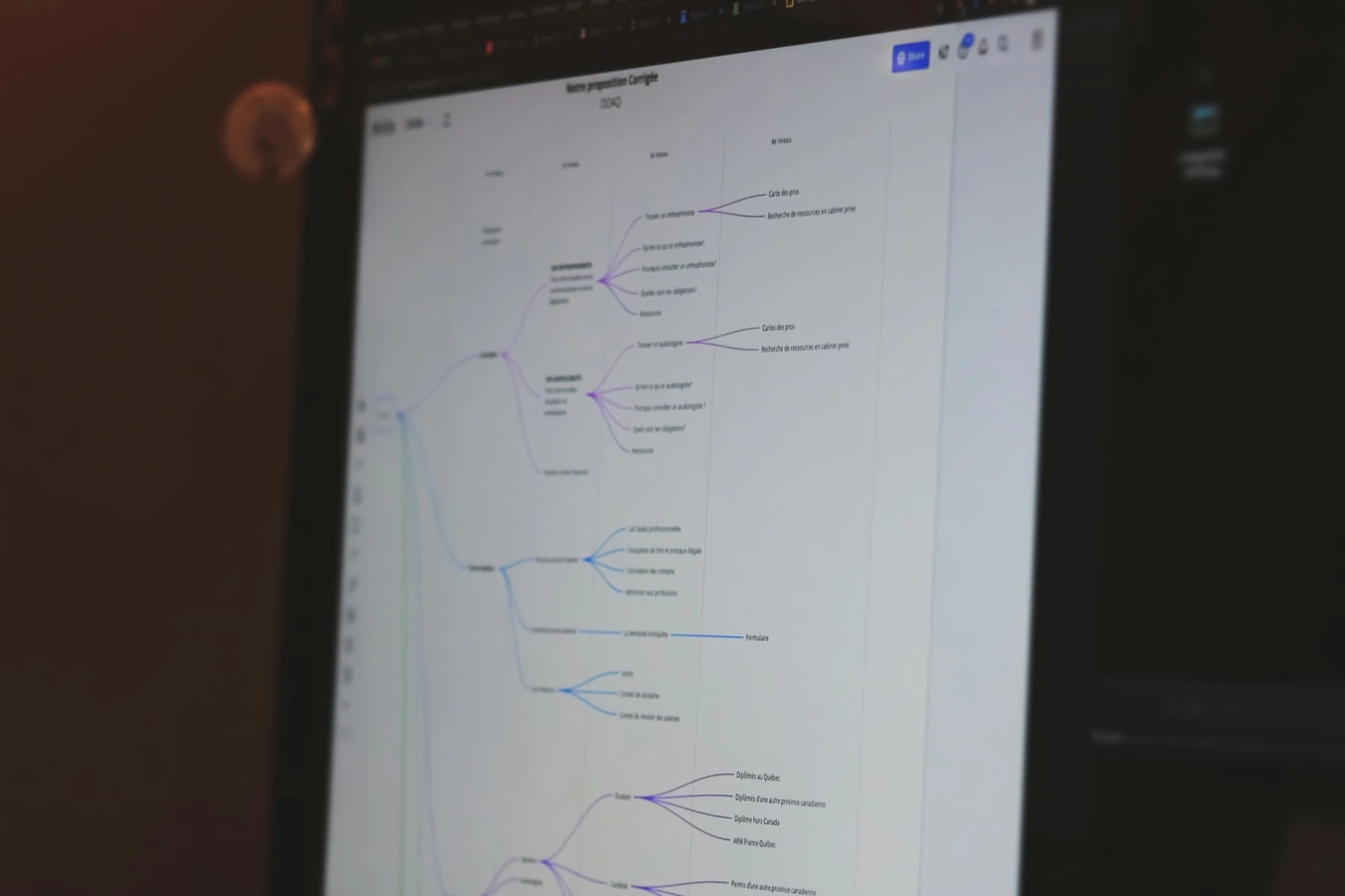
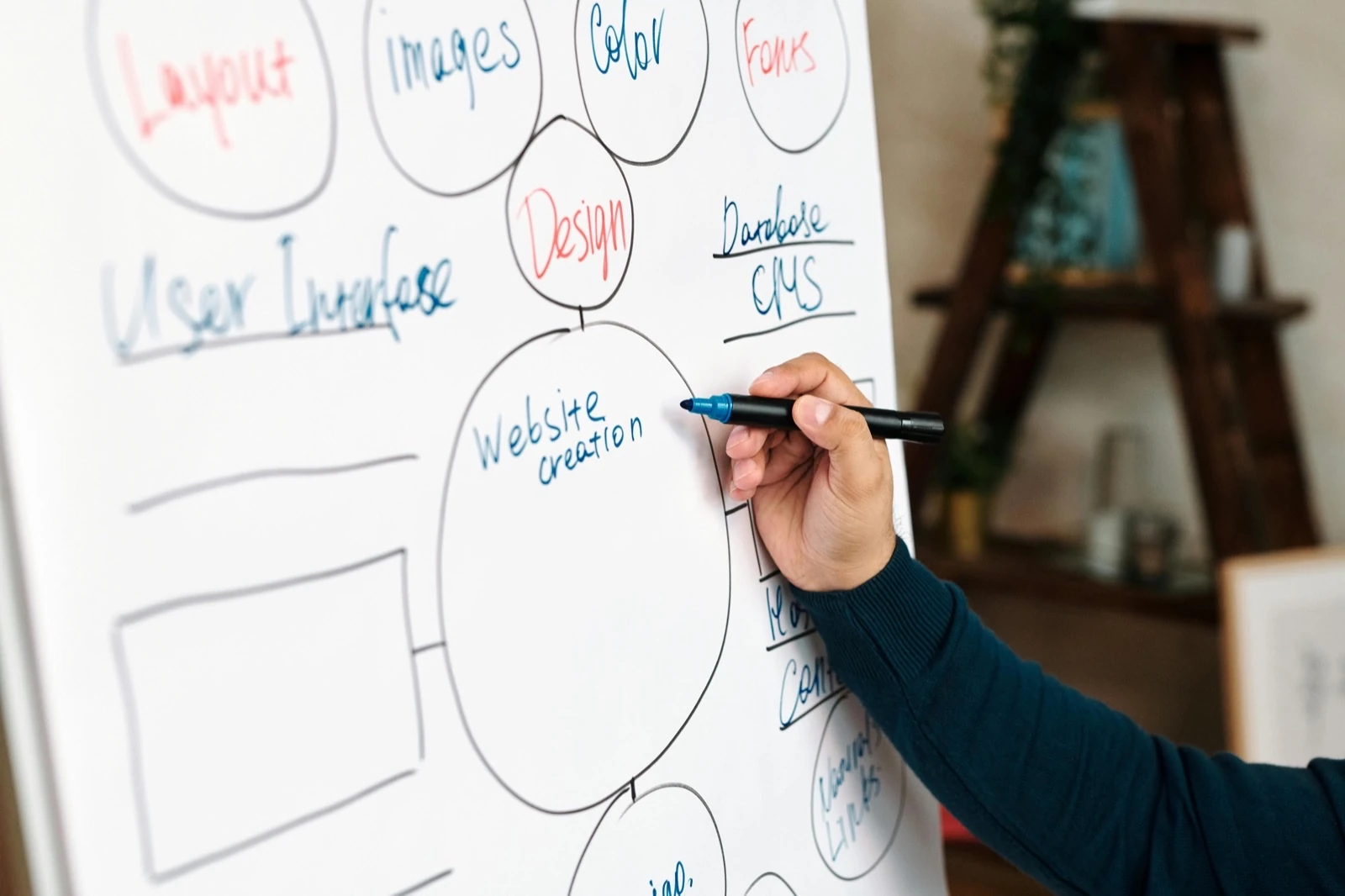
WordPress development workspace

One partner from first commit through every release

WordPress development at WALOO means accountable engineering: custom themes, plugins, and editorial systems when off-the-shelf will not model your content or workflows. We scope architecture, editor experience, and performance together so you are not buying a theme demo that collapses under real publishing.

The same engagement covers what usually fragments across vendors — headless frontends, CRM and payment APIs, migrations, hosting fit, and senior support. You get one backlog, one handoff, and code your team can extend without page-builder debt. When the interface has to be designed first, UX/UI design runs in the same engagement.

Themes, plugins & headless

WordPress products your editors can publish — custom themes and plugins, page-builder child themes when the brief needs them, block themes, and headless public frontends when the marketing site needs a modern stack.

Architecture, editor experience, and performance are scoped together so you are not buying a theme demo that collapses under real publishing.


WordPress themes

Custom themes Built from approved Figma designs — templates, components, and editor fields that match the file without page-builder debt. WordPress theme engineering, not a generic frontend export.

Child themes Lean parent/child architecture when you need to extend a commercial or existing theme with reusable sections and documented patterns your editors can own.

Page builders

Elementor Controlled Elementor setups and child themes when the brief calls for a builder — reusable sections, guardrails, and documented patterns.

Divi & similar Same discipline for Divi and other builders: lean parent/child structure, not an unbounded widget pile.

Performance guardrails Global scripts, unused widgets, and third-party kits kept in check so builder convenience does not undo Core Web Vitals after launch.

Block themes

Full Site Editing Block themes editors already use in the Site Editor — template parts and patterns as the system of record for layout.

theme.json & tokens Brand tokens, spacing, and typography live in theme.json. Locked where brand and legal require it; flexible where marketing needs speed.

Custom blocks

React / Node blocks Gutenberg blocks with modern tooling when reusable components need real interactivity or complex editor UX — not generic shortcode workarounds.

Documentation & handoff Registration, attributes, and save markup documented so your team can extend the library without reverse-engineering a one-off.

Custom plugins

CPTs, fields & admin Custom post types, field groups, and admin workflows scoped to how you publish — maintainable plugins with clear ownership.

Theme vs plugin scope What belongs in a plugin versus the theme is explicit so updates, handoff, and future features stay clear.

Headless WordPress

WordPress as CMS Editors keep the admin they know. Content models and editorial workflows stay intentional — REST or GraphQL exposed as a clean contract.

Modern frontend React, Next.js, or another stack when edge delivery and interaction cost demand it — same quality bar as a classic theme.

Preview & delivery Draft-to-live preview, caching rules, and deploy steps are part of the handoff — not a mystery script only one developer understands.

Integrations & migrations

CRMs, payments, analytics, and internal systems connected cleanly — and platform moves planned with redirects, content QA, and phased cutover so rankings and editors are not left behind.

Data contracts, failure modes, and go-live live in the same backlog as the build.

Integrations

CRM & marketing Forms, lead sync, and campaign tools wired with retries and failure modes called out — scoped to the templates that need them, not every page.

Payments & commerce Stripe and payment gateways in WordPress or WooCommerce flows. Webhooks, confirmation states, and admin visibility are part of the build.

Search, analytics & APIs Search indexes, analytics, fundraising, and internal tools connected without a new global script tax per add-on. Contracts and credentials documented for the next engineer.

Migrations

Content & media Posts, pages, media, and custom types mapped into the new structure with QA passes before cutover — not a dump-and-pray import. Editors validate key templates on staging.

Redirects & SEO Redirect maps, canonical rules, and ranking-sensitive URLs in the same backlog as the build so the replatform does not erase years of SEO overnight.

Phased cutover Staging sign-off, DNS windows, and rollback criteria agreed before go-live. Hypercare after launch catches content and redirect misses while the build team is still on the hook.

Hosting, releases & support

Hosting fit, staging discipline, calm releases, and senior support that already knows your stack — so launches and incidents do not become all-night war rooms.

Server, CDN, and application cache are reviewed as one system. Updates and incidents carry context forward.

Hosting & releases

Hosting & CDN Server, CDN, and cache layers reviewed together — including Cloudflare and host panels when the fix lives there. PHP, object cache, and edge rules aligned with how the theme and plugins load.

Staging & releases Staging that mirrors production, release checklists, and clear approval/rollback paths before the window opens.

Hypercare Post-deploy ownership for launches, campaigns, and traffic spikes. Issues feed back into the backlog so the same failure does not repeat.

Support

Updates & security Core, theme, and plugin updates staged and verified — backups and rollback paths before production. Compatibility and performance checks catch regressions early.

Incident response Outages and regressions triaged with context on your architecture. What broke and what changed is documented for the next baseline.

Backups & recovery Backup cadence and restore drills aligned with how critical the site is. Recovery steps written so the right person can act when it matters.

Work with us

Send your URL. Get the plan.

We reply with a prioritized technical backlog — performance, stability, and conversion friction called out explicitly.